
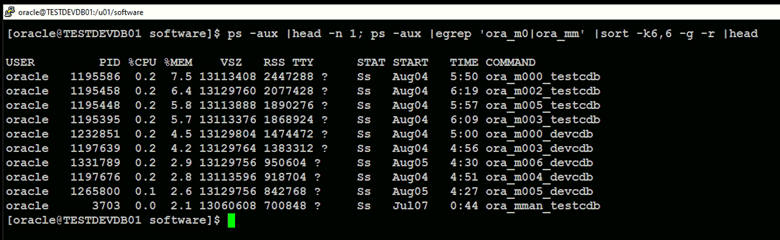
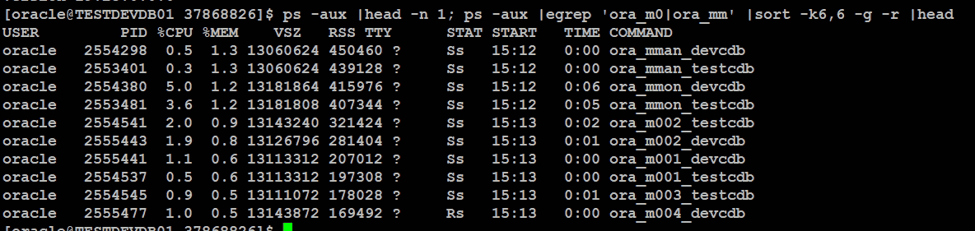
When MMON and its slave processes run for extended periods without restarting, the database’s physical memory usage increases and may eventually cause a crash. According to KB182596, the following command can be run on the database host to determine how long these processes have been running. Prolonged operation without respawning can exhaust physical memory and swap space, ultimately causing the database to crash.
Fix
To fix the mentioned cause, we have two choices
- Manually kill the MMON and it worker processes. This option is the workaround
- Apply One-off patch 37868826
The below steps indicate the patch apply
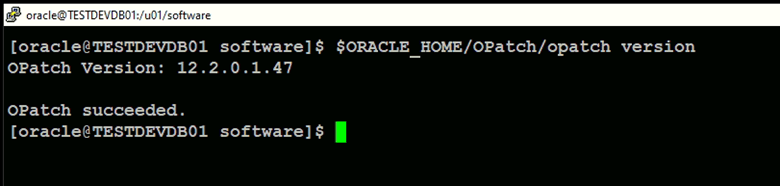
- Verify opatch version (should be 12.2.0.1.46 or above)
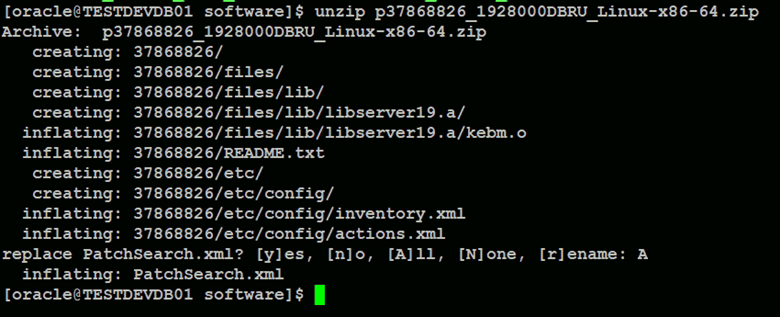
- Download and extract the patch (make sure the DB home is patched with 19.28 or above, based on what you have downloaded)
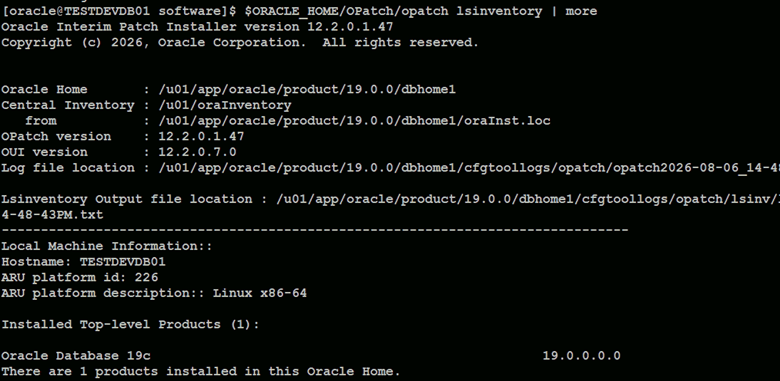
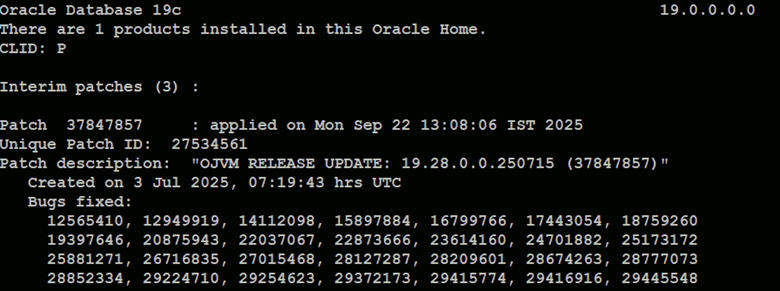
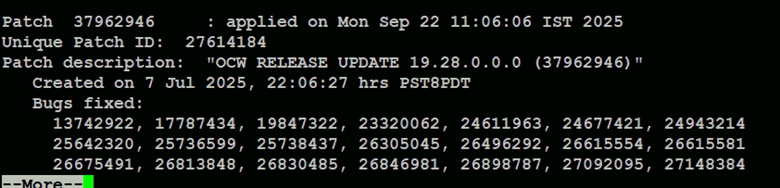
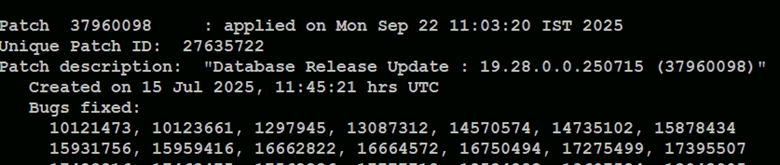
- Verify your DB HOME is having the needed RU
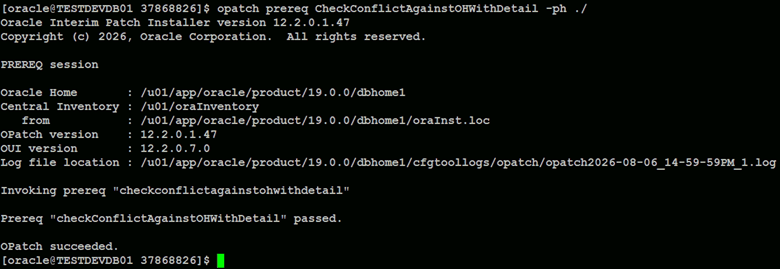
- Check for patch conflicts
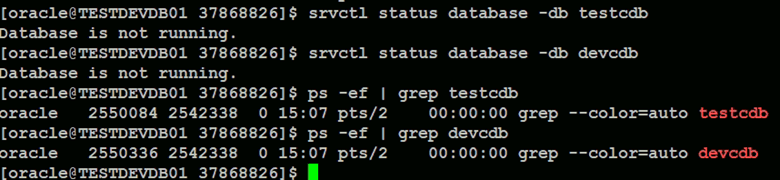
- Stop databases running from the DB HOME

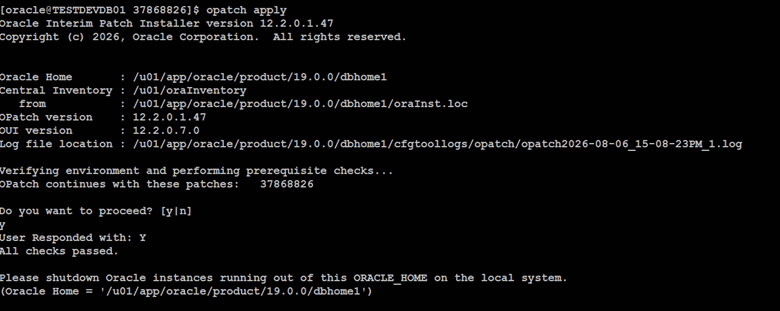
- Apply the patch
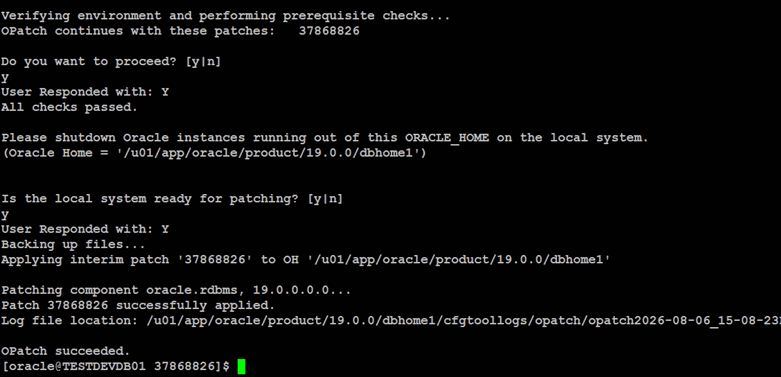
- Verify patch apply

- Start the databsaes
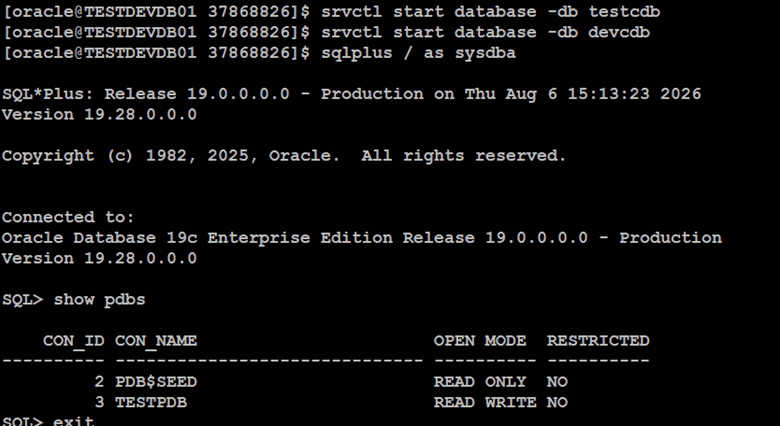
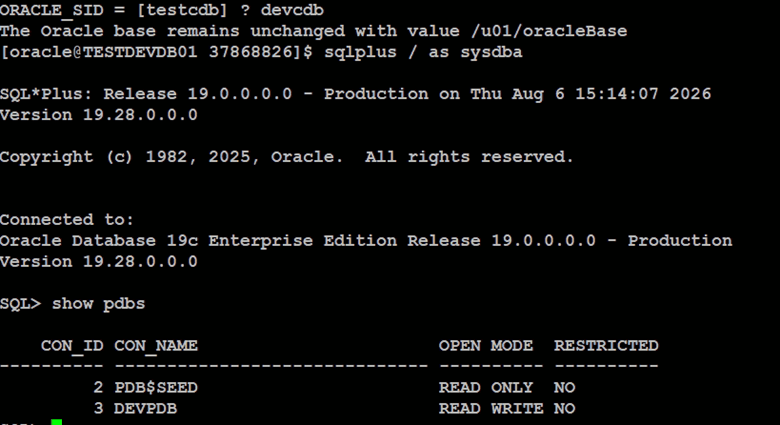
- Now continuously monitor the respawning of MMON and its slave processes to confirm the issue is fixed


Leave a Reply