
We have tried to demonstrate the ability to perform a successful remote PDB clone to an environment with physical standby database running.
Note the below
- Source Database (ORCL) : The CDB having the PDB to be cloned, running on 19.8
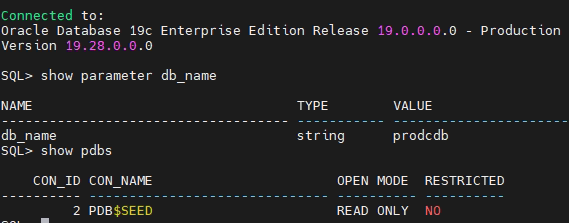
- Target Database (PRODCDB): The Primary CDB to which the PDB will be getting attached , running 19.28
- Standby Database(PRODCDBDR) : The Standby Database for the Target Primary CDB, running 19.28
- Data Guard Managed Target / Standby Database, with Data Guard Broker enabled
At the source Database
Create the common user
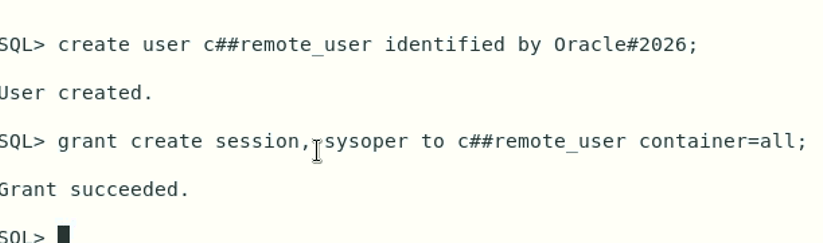
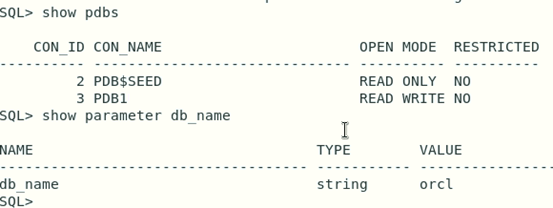
At the Target Database
Create the database link to connect to the common user created at the source CDB
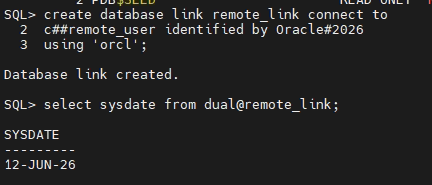
At the Standby Database
Open the CDB in read only mode and resume recovery (Active Data Guard)

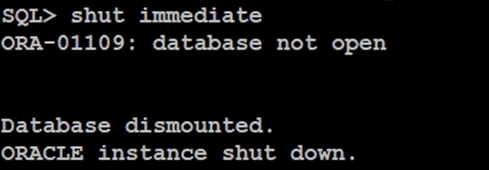
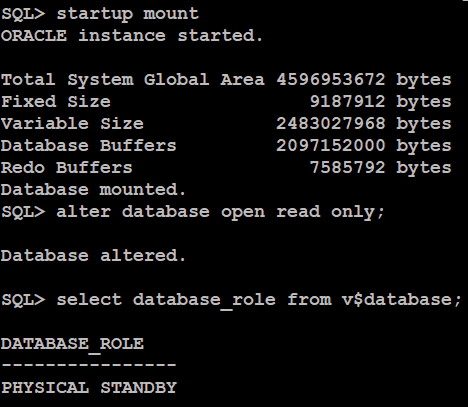
Broker starts the apply process automatically

Notice the STANDBY_PDB_SOURCE_FILE_DBLINK set to the DBLink we created for remote clone. Make sure the corresponding TNS entry appears on Standby host as well.

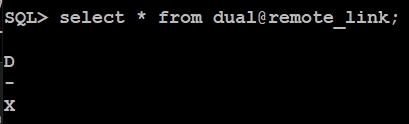
Verify DB Link from standby DB
Create the clone from Target Database

Once completed
Check standby Database Alert
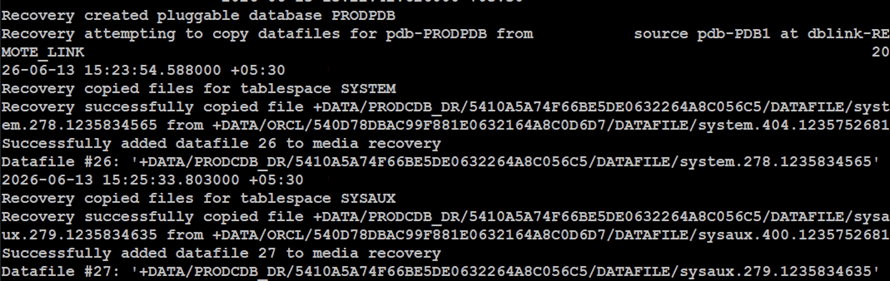
Check Standby Database
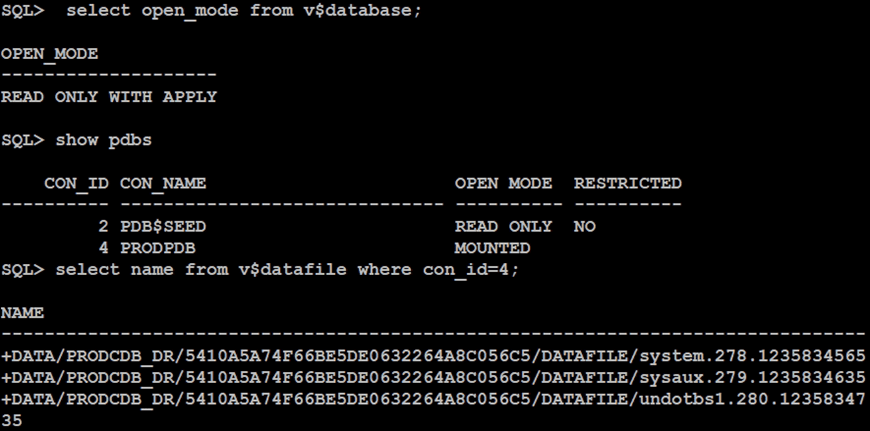
You’d see the number of files copied over
On target Database you resume operations
Note that Source PDB will remain read-only until all files are copied on to the Standby Database.
Meanwhile, open PRODPDB.
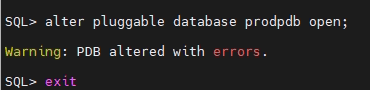
Our source PDB version was 19.8, hence needed to apply data patch
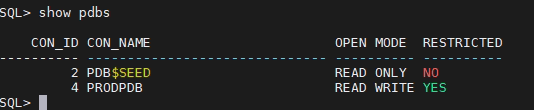
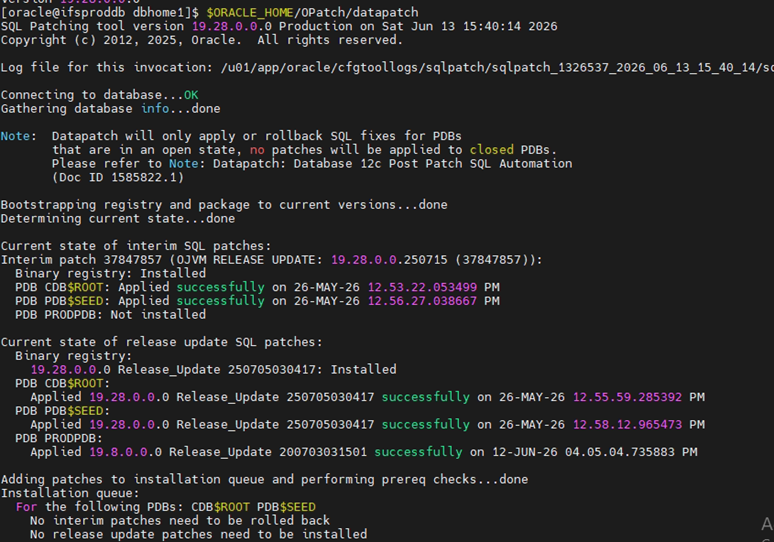
In Our case, we had a mismatch of having OLAP on Source DB which was not required. Hence, once the data patch was installed, we ran below commands on Target PDB to drop OLAP.
@?/olap/admin/catnoxoq.sql
@?/olap/admin/catnoaps.sql
@?/rdbms/admin/utlrp.sql
Once the datafiles are copied and recovery commences on the Standby Database, we could bring it to mount state.
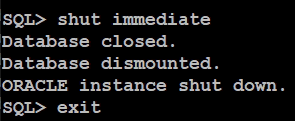

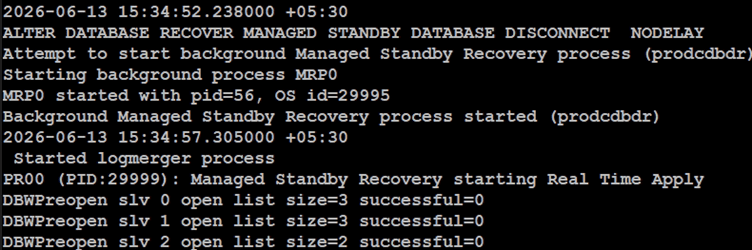
Other Observations
Documentation indicates the need to set below parameter

Setting the above parameter on Standby DB will be useful when an PDB Archive is copied over to Standby database and recover using the .pdb. You may use this method if the PDB is unplugged from the Source.
In the event if the Source database is not opened in read only or in other words, Source database was used to do a hot clone, Standby database file copy will fail and below will be shown on Standby DB alert log.
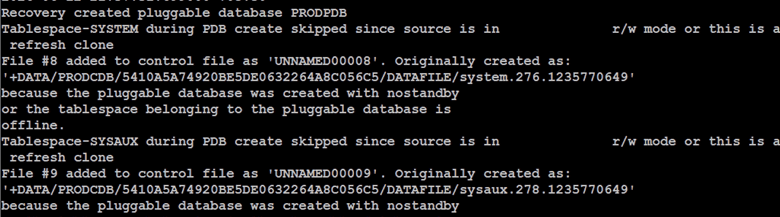
Below messages were observed on Standby Alert log
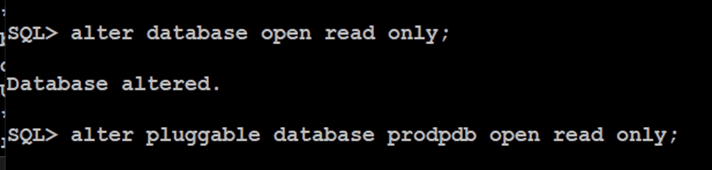
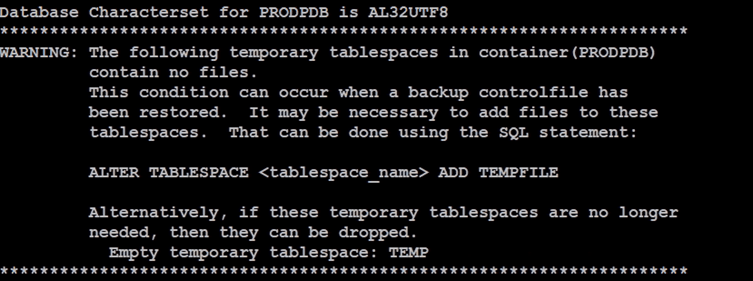
Below messages were shown on Standby alert log, but the tempfiles were added when it was opened in read only.
Reset Parameter from Standby Database

 Oracle with Loku
Leave a comment