
While managing optimizer fix controls is a choice of yours, by default these fixes (though they are installed) , will not be made enabled by default when an upgrade / RU is done. Below actions will guide you to Manage them.
First, I wanted to check bundled Optimizer fixes across RU’s.
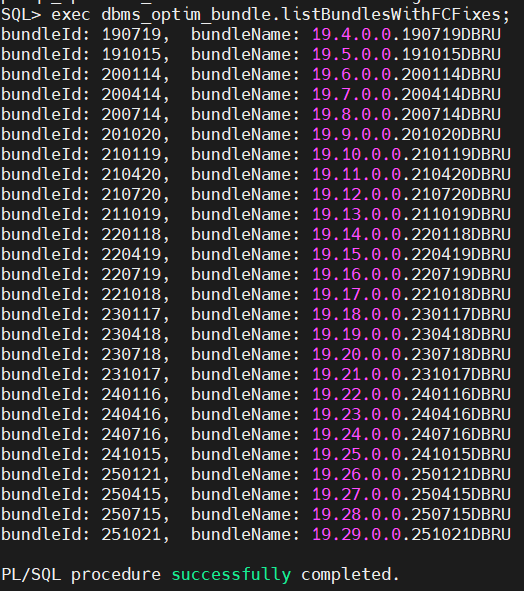
In my current version of the CDB, I could identify the _fix_controls on offer for 19.29
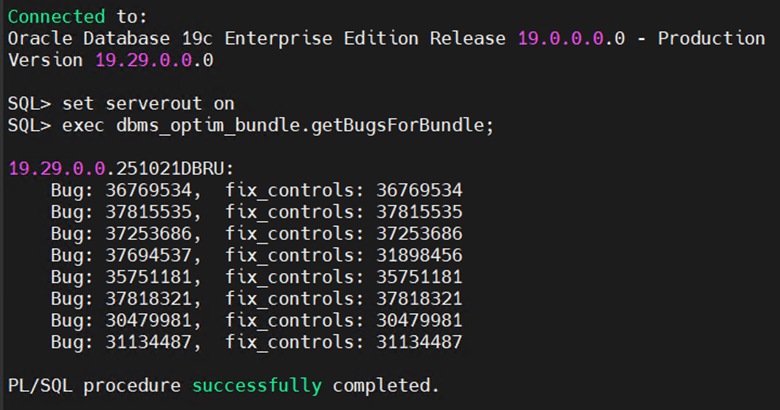
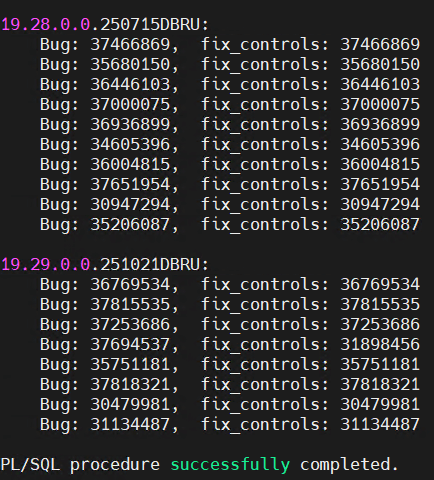
With 19.29 RU released in 21/10/2025, I will now query the _fixed_controls that are yet to be enabled.
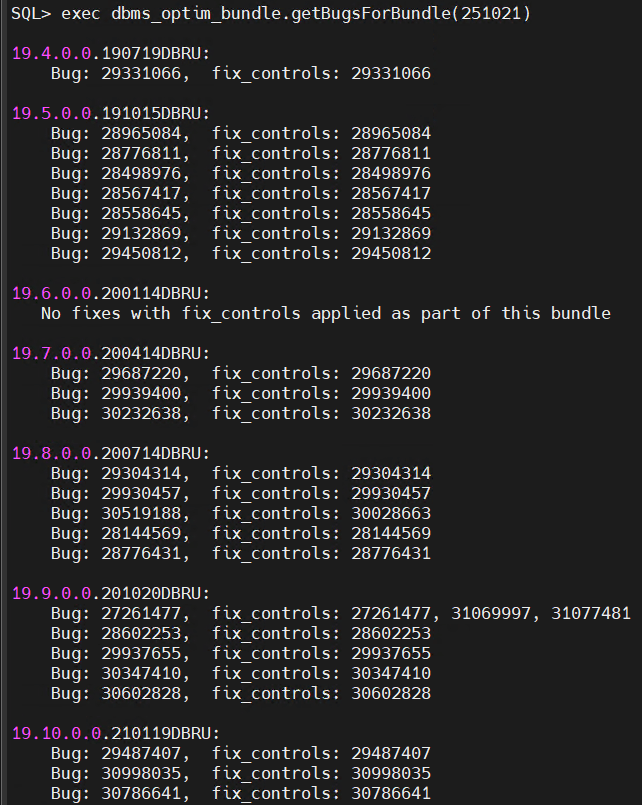
The list ends here
I will now check the optimizer fixes that are already enabled on my database

Note that the value might be either “on” or “1” to enable the control
I will now enable the fix controls on my database. Note that I will enable the values only in “Memory” so that I can observe the behavior of these changes on Optimizer and to revert upon a DB restart
DBMS_OPTIM_BUNDLE.ENABLE_OPTIM_FIXES (
action IN VARCHAR2 DEFAULT ‘OFF’,
scope IN VARCHAR2 DEFAULT ‘MEMORY’,
current_setting_precedence IN VARCHAR2 DEFAULT ‘YES’);
Action => to enable / Disable Optimizer fixes
Scope => Memory / Persistent (spfile)
current_setting_precedence => Whether to take precedence over exiting settings
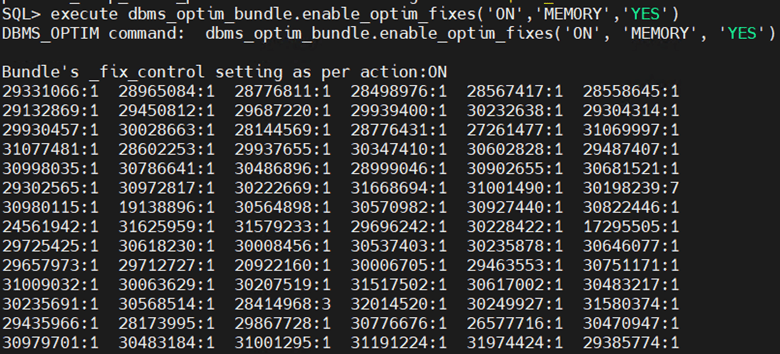
And the list goes on
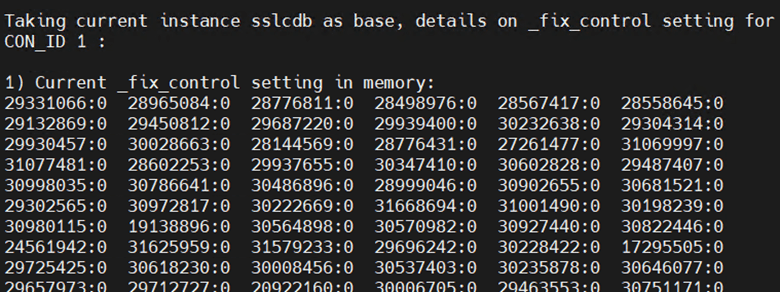
And on
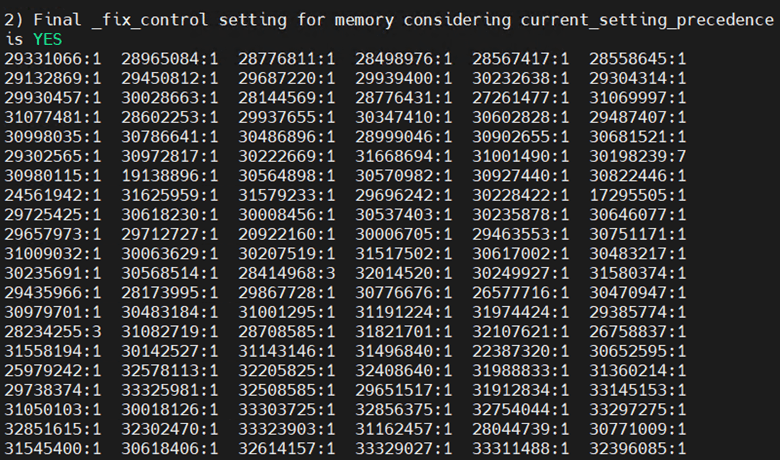
And finally completed

I checked the parameter
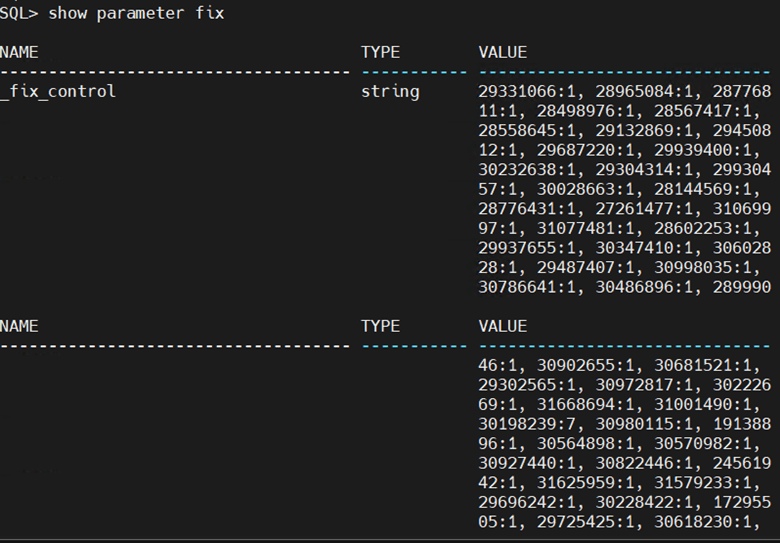
It went on
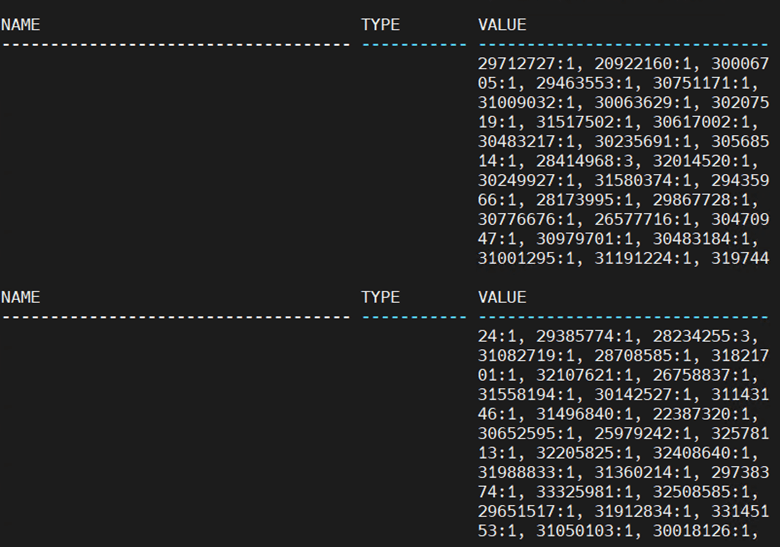
I could see all those fix controls are now in place.
As stated earlier,
While my changes are not persistent (not written to SPFILE) and a DB restart will reset the parameter to its previous value, I could always disable all the fix controls using
execute dbms_optim_bundle.enable_optim_fixes(‘OFF’,’MEMORY’,’NO’)
References
 Oracle with Loku
Leave a comment